
Starter dApp
The Starter dApp is a minimal React app that connects to a Canton wallet and shows your party ID. It also has a sample Daml contract. Use it as the base for your own dApp.
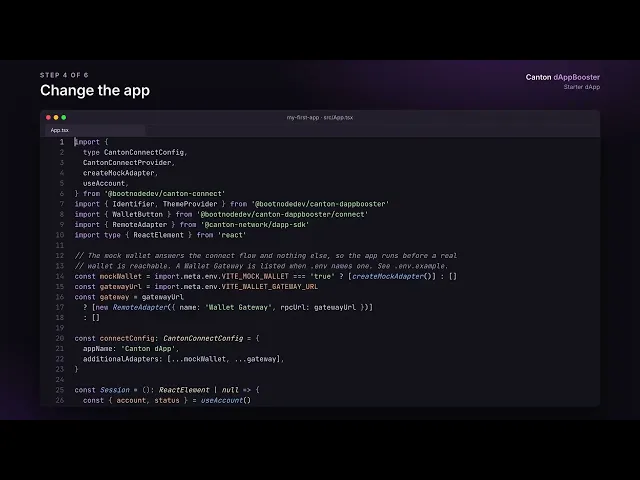 Watch: Starter dAppStart the stack, connect your wallet and change the app and its contract.
Start the stack
Make sure Docker is running and that you installed Barebones and Starter dApp. Then start everything from your project folder:
# Alternatively, run `pnpm stack` for the interactive menu
pnpm stack up
This builds the sample contract and deploys it to LocalNet, starts Wallet Gateway at http://localhost:3030 and the dApp at http://localhost:3012.
The first run downloads about 10 GB, so it can take a while.
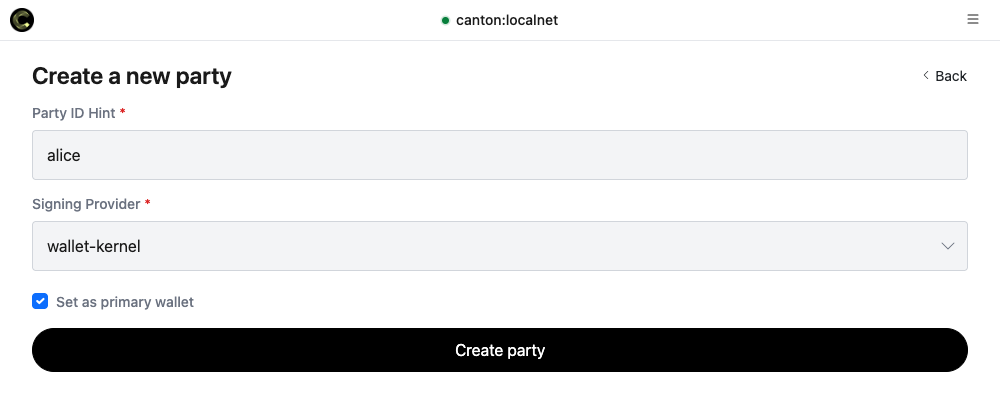
Log in to Wallet Gateway with client secret unsafe and create a party with wallet-kernel as signing provider. Tick Set as primary wallet.
Then open your dApp, click Connect wallet and choose Wallet Gateway.
Change the app
Frontend code is in src/, starting with src/App.tsx. Your changes show up in the browser as soon as you save.
For the hooks and components it uses, see https://components.dappbooster.cc.
Change the contract
The example contract is in daml/Main.daml. After changing it, raise version in daml/daml.yaml, or the participant will refuse the new contract. For example:
version: 0.1.1 # was 0.1.0Then build and deploy it. The file you deploy has the new version in its name:
pnpm build-dar
pnpm deploy-dar -- daml/.daml/dist/starter-0.1.1.dar
Stop the stack
To stop everything, run:
pnpm stack down