
Installing Canton dAppBooster
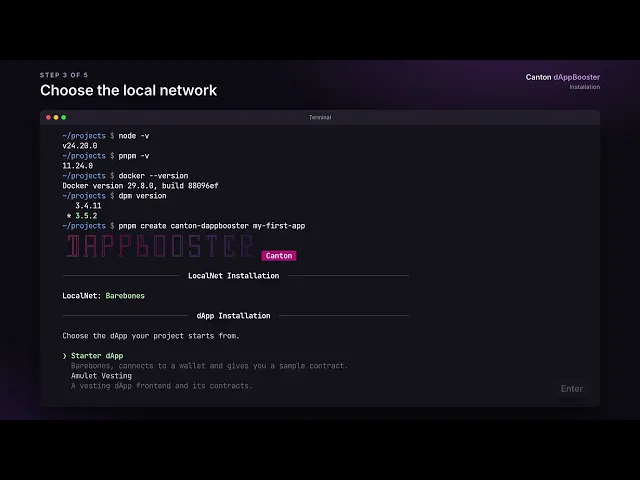 Watch: Installing Canton dAppBoosterCreate a new project with the interactive installer.
Create a project
To create a new project, run:
Terminal
pnpm create canton-dappbooster my-first-appThe interactive installer then asks a few questions, including:
- The local network. Pick Barebones for a LocalNet, or No localnet if you'll provide your own network.
- The dApp. Pick Starter dApp for a basic app, or one of the advanced examples.
When it finishes, the installer prints the steps to run your project. For non-interactive and advanced use, see the installer's README.